Meta — Wearable Design · 2024–2026
Onboarding, troubleshooting and Meta AI motion systems for the first Ray-Ban Meta glasses with a display and neural band.
- Role
- Senior Visual Designer
- Client
- Meta — Wearable Design
- Discipline
- Product Motion, 3D, UX, Lottie, AR
At Meta, designers work across disciplines — from building tools, creating Lottie files, and crafting 3D models to designing hero frames, product animations, and UI/UX content. No matter the medium, our goal remains the same: to deliver an exceptional experience for users as they interact with the product.
The most exciting part of this journey has been designing a product that's truly groundbreaking! This pair of glasses, featuring a revolutionary single mono lens on the right side and a stunning 600 × 600 display, is a first of its kind! If you get the chance to try them prepare to be blown away by the amazing technology at work. We're crafting a brand-new experience with this compact display, powered by Meta's mind-blowing "alien" neural-band technology, ensuring that every first-time user enjoys a smooth and seamless onboarding experience.
So, what can you actually see through these fantastic glasses? That was our team's first exhilarating challenge — designing the entire onboarding experience!
I've been assigned to make the onboarding experience and troubleshooting experience flow for the glasses and the neural band — the best option is always using video and optimizing it for the Meta AI app.
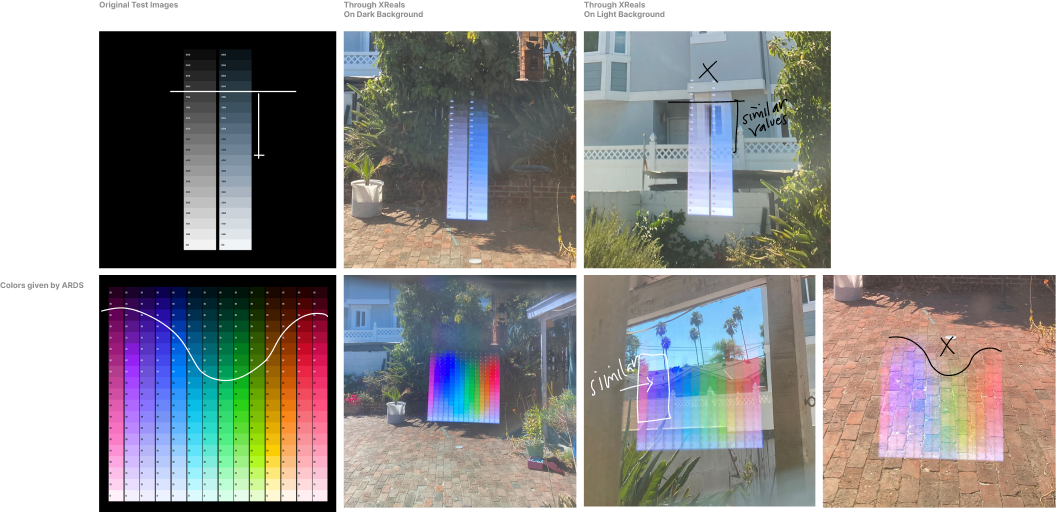
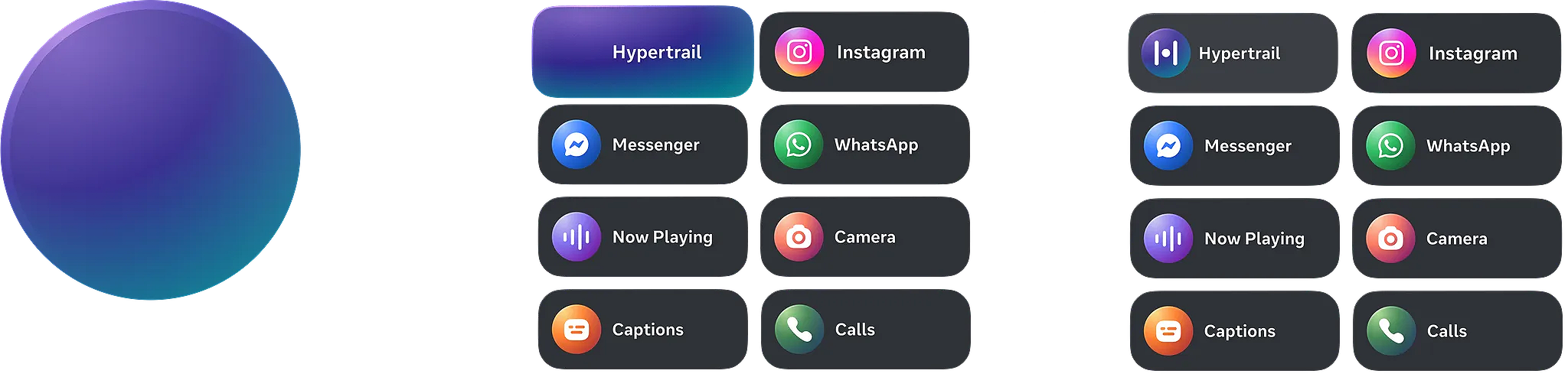
Before designing any content for this new display, it's important to understand how color will function on this medium and how light and the environment will affect its use. Unlike ordinary devices, this is an AR device that gives everything a ghostly, transparent appearance. I always keep this in mind while designing, as black represents nothing on the glasses.
Sample video for onboarding tutorial session
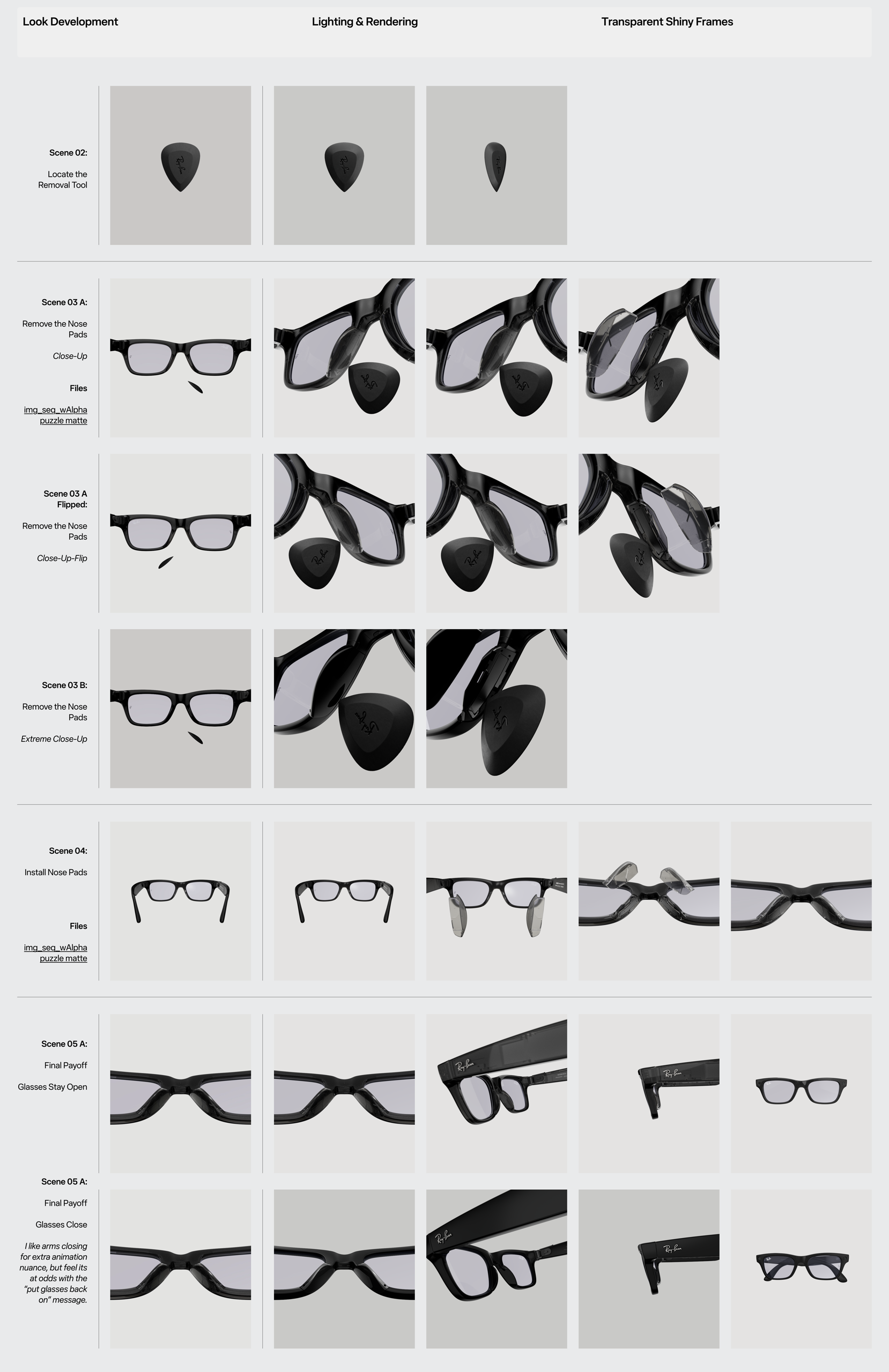
Now, we are entering the pipeline to actually create the tutorial. My main responsibility is to develop various assets for the team to help users easily understand with 3D product motion and graphic hints. We have gone through many versions and discussions with the cross-functional team. One of the biggest challenges is coordinating with the hardware team on the reset pipeline guidelines. Since the indicator light only has two colors — white and amber — we need to convey six different statuses of the band: reset mode, start mode, low battery mode, factory reset mode, and pairing mode. While these restrictions are unchangeable, we can focus on creating graphics that simplify user understanding.
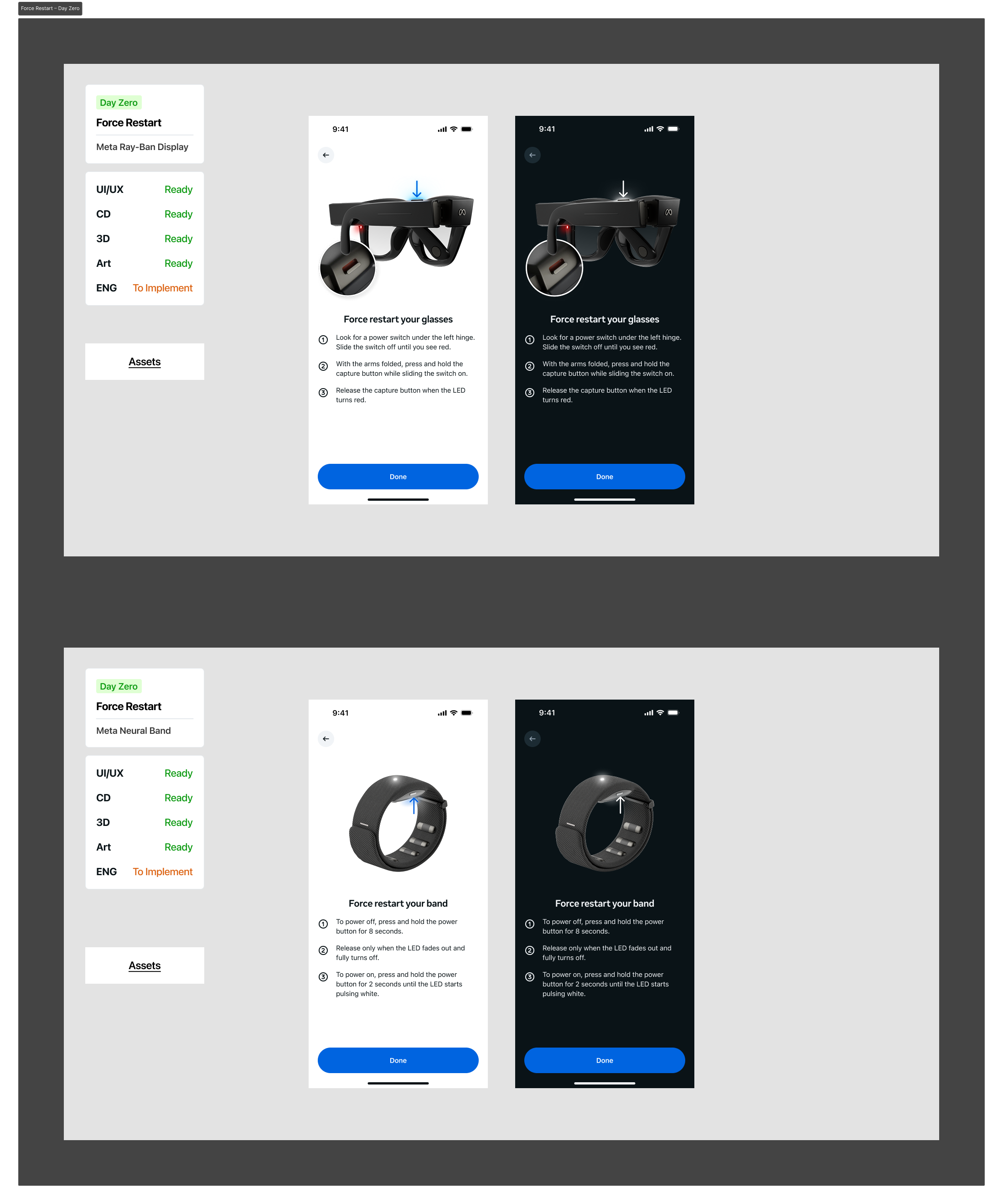
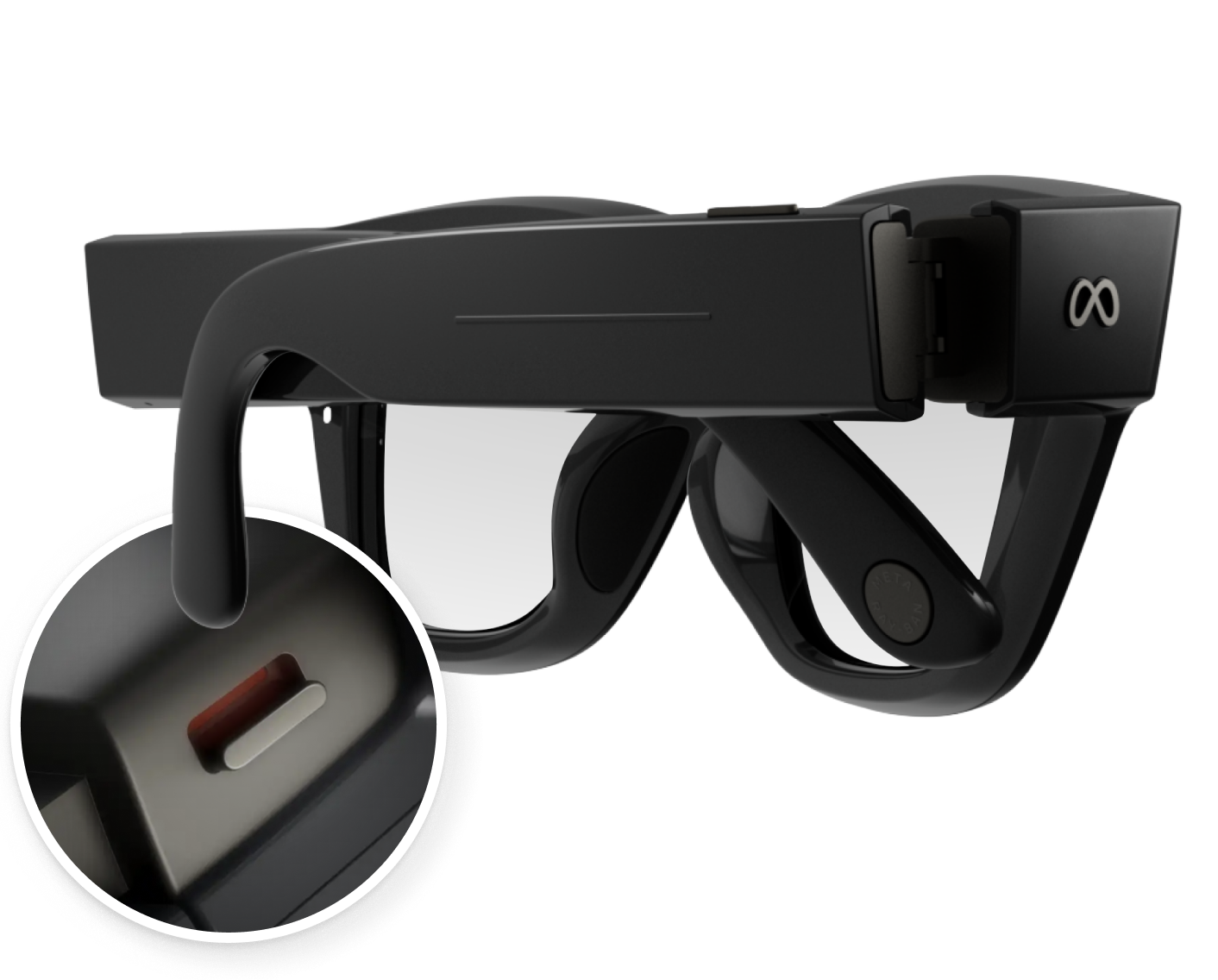
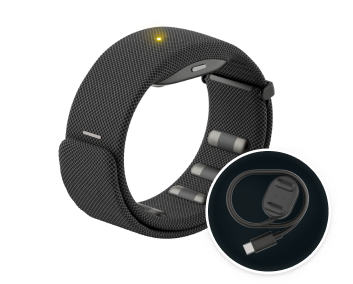
Sample graphics from the user accessibility test for our onboarding tutorial
Export different sizes in Figma based on PD
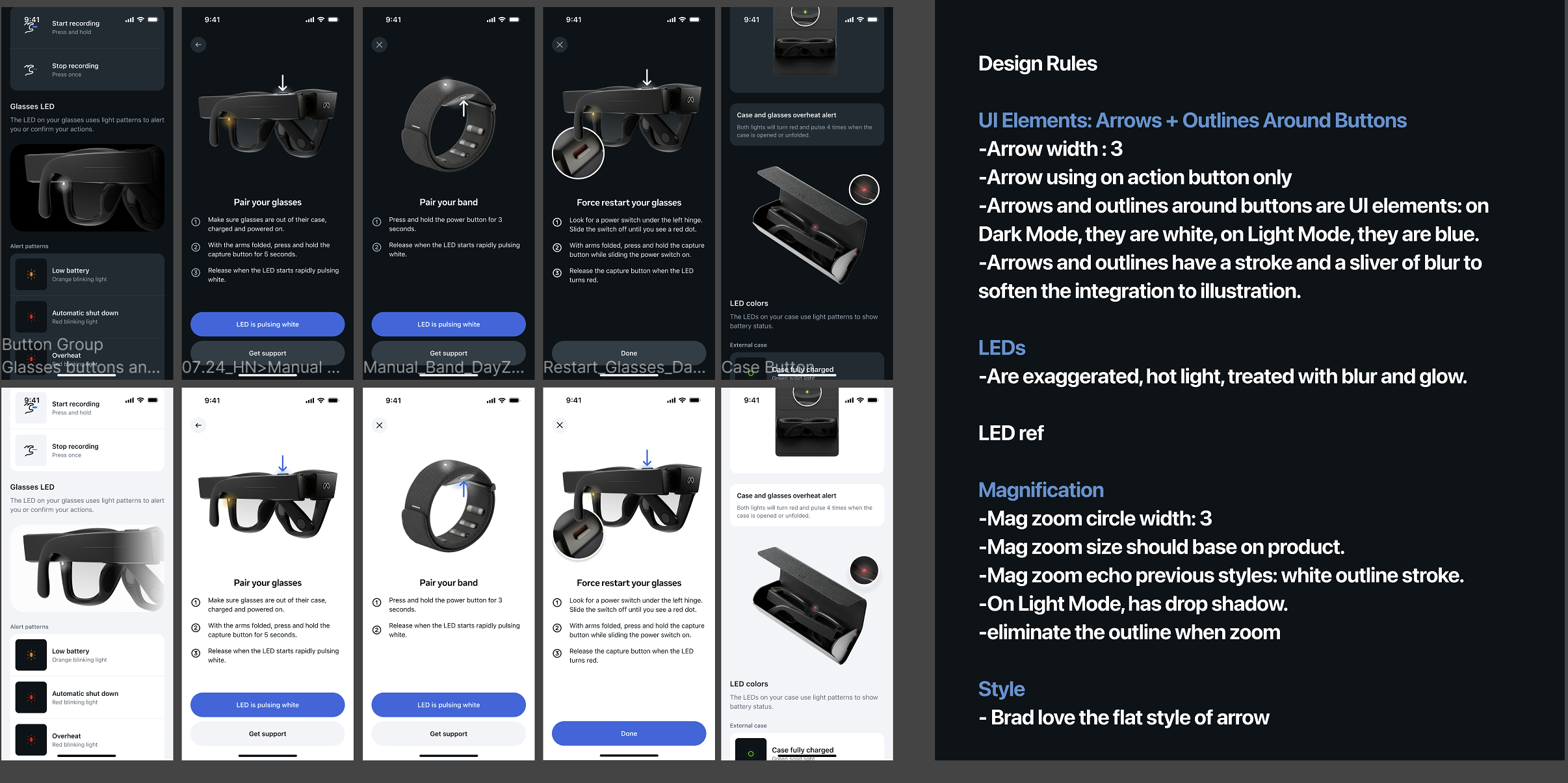
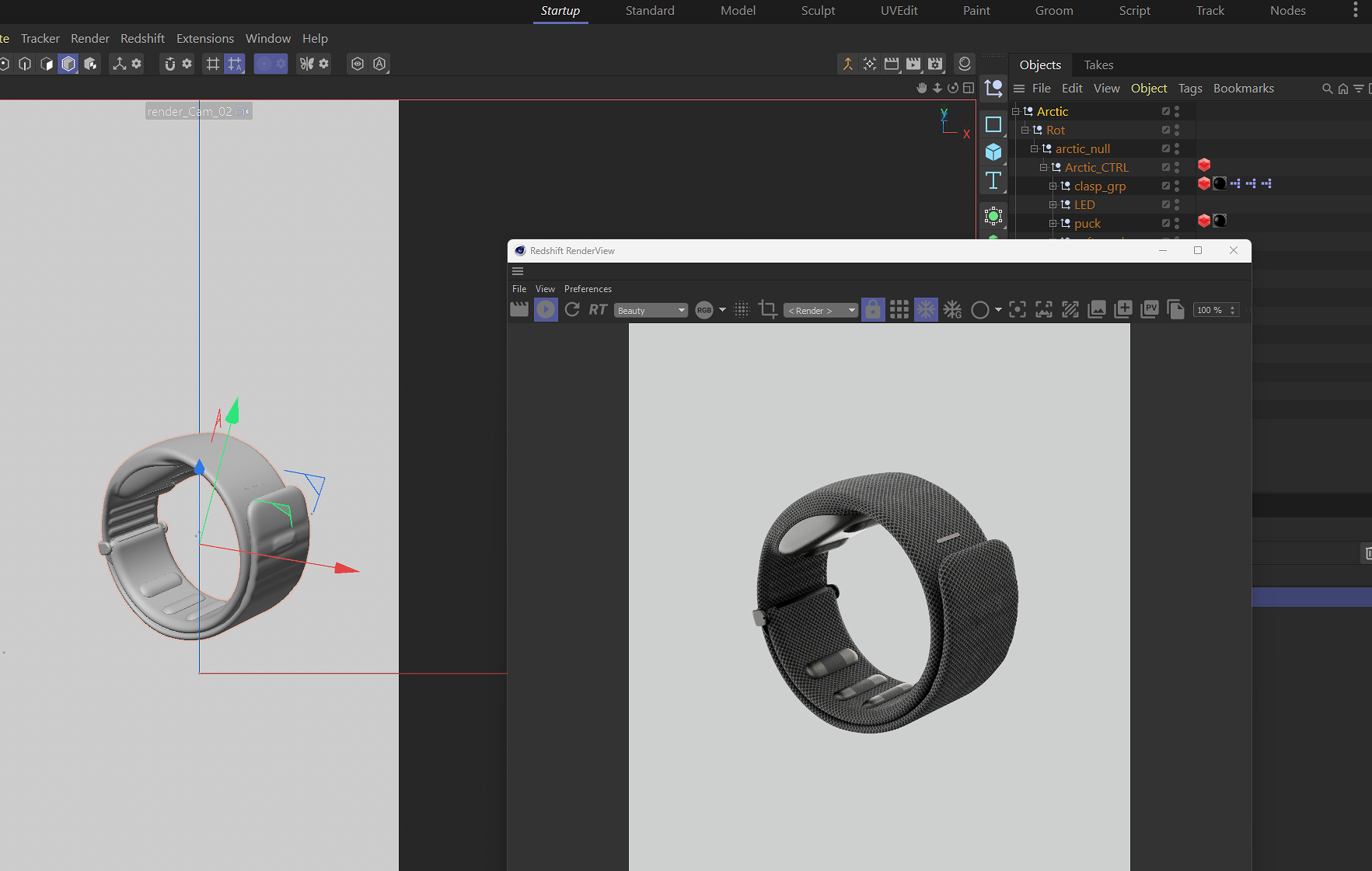
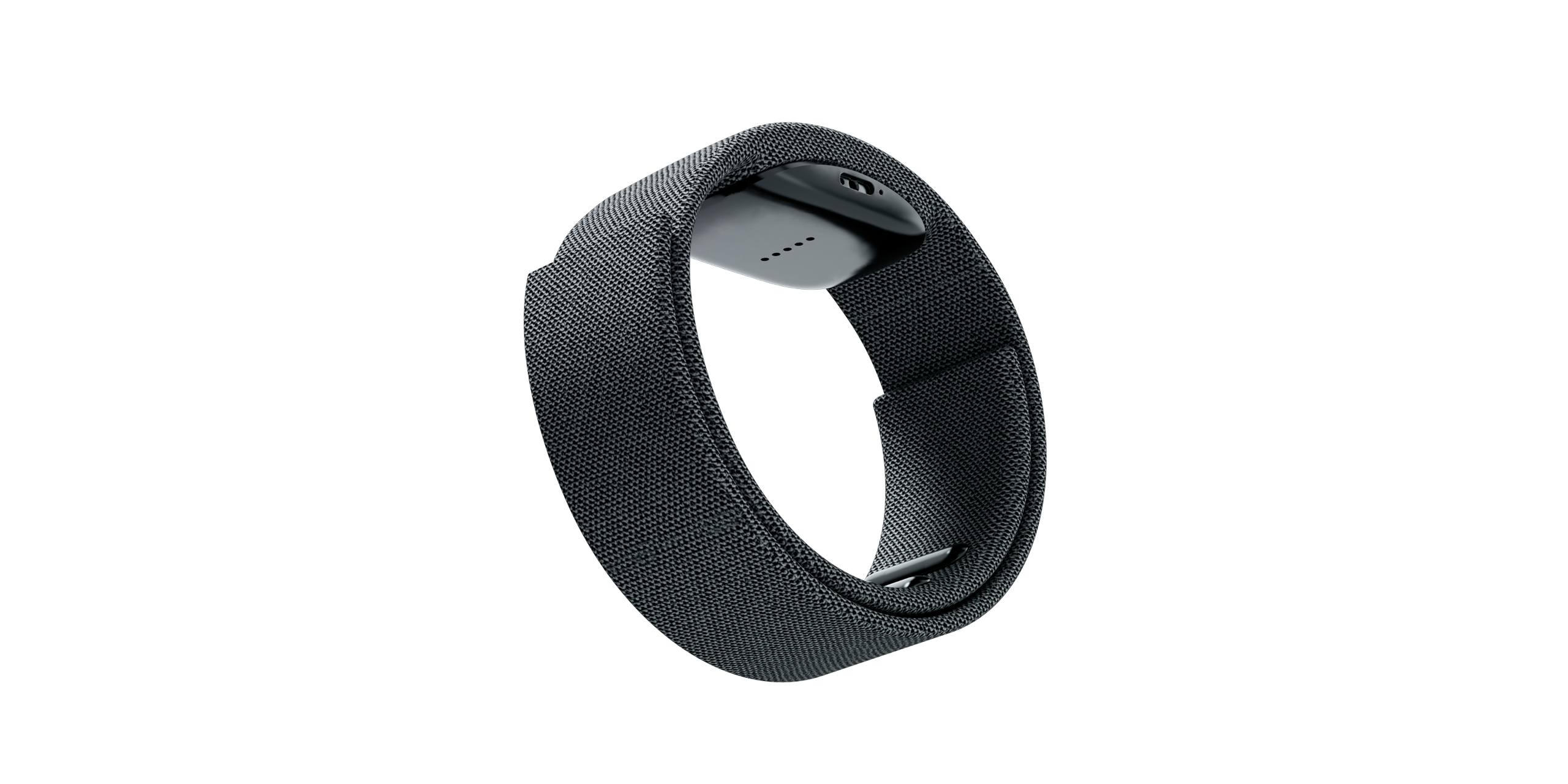
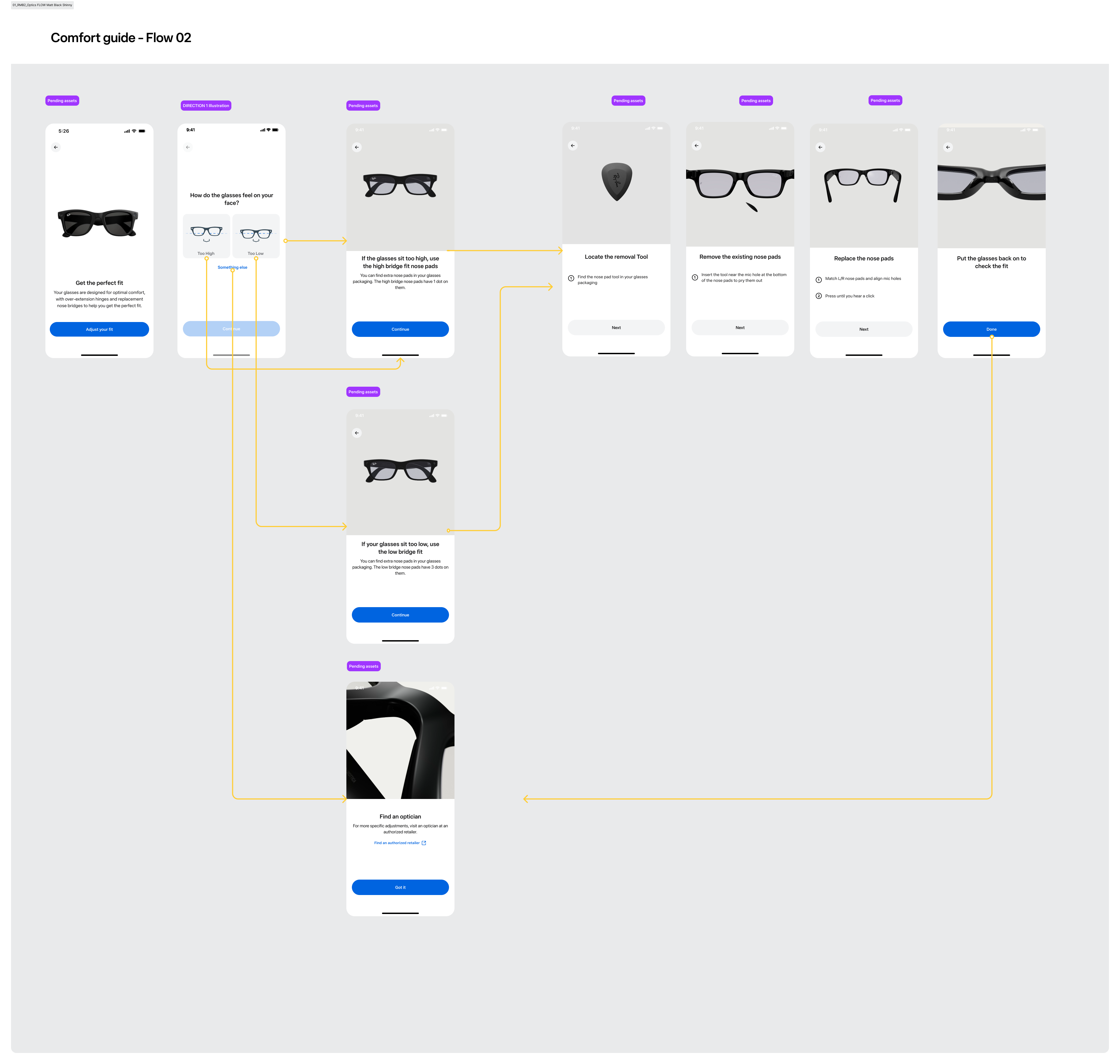
Using 3D animation to help UX solve the problem and also give a joyful experience
Next, I've been focused on creating all Meta AI motion designs, with 43 designs total. Each design needs to be Lottie compatible and available in three sizes with light and dark mode. Every UI animation should transition fluidly into the next, creating a continuous and uninterrupted experience.
If you have some time, please click below to explore the two immersive experiences designed by our team for these AI glasses, aimed at enhancing and gamifying the learning process of neural bands.
Experience — Hypertrail